MORNING
Get ready for launch
“Plan your day” shows the day at a glance and puts your tasks into the free gaps. One tap on “Start the day” and the rocket lifts off.
Missn puts your calendar and tasks on one timeline, plans your free gaps, keeps private appointments visible in the middle of the workday — and hides work the moment you call it a day.
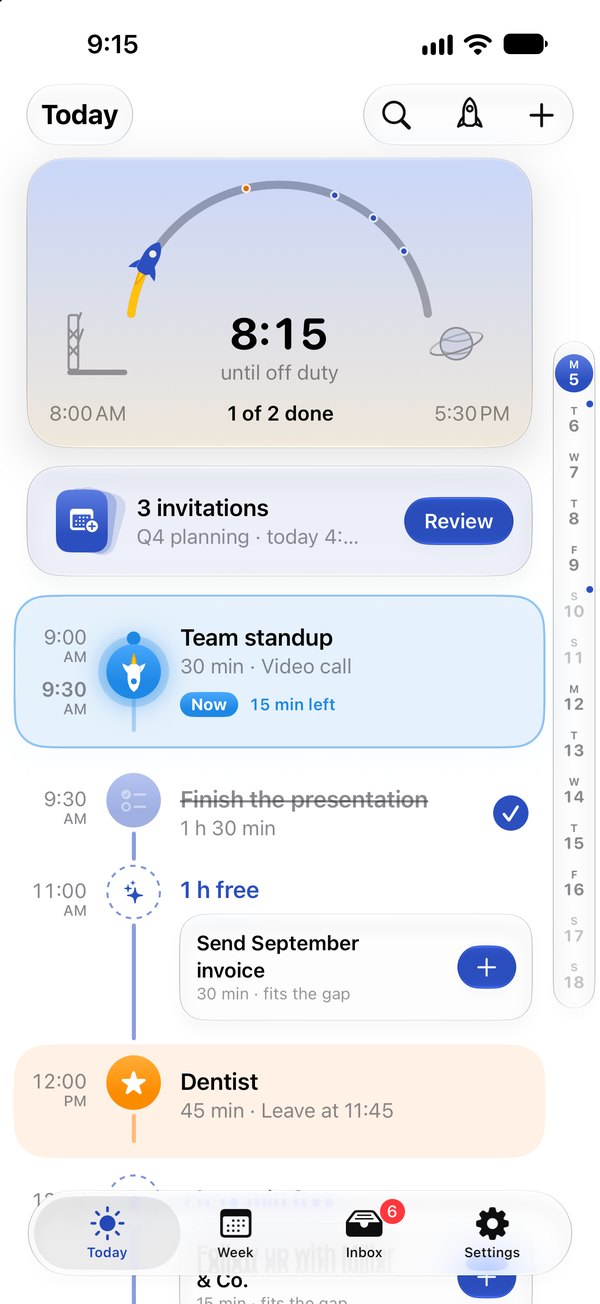
For iPhone and iPad · iOS 27
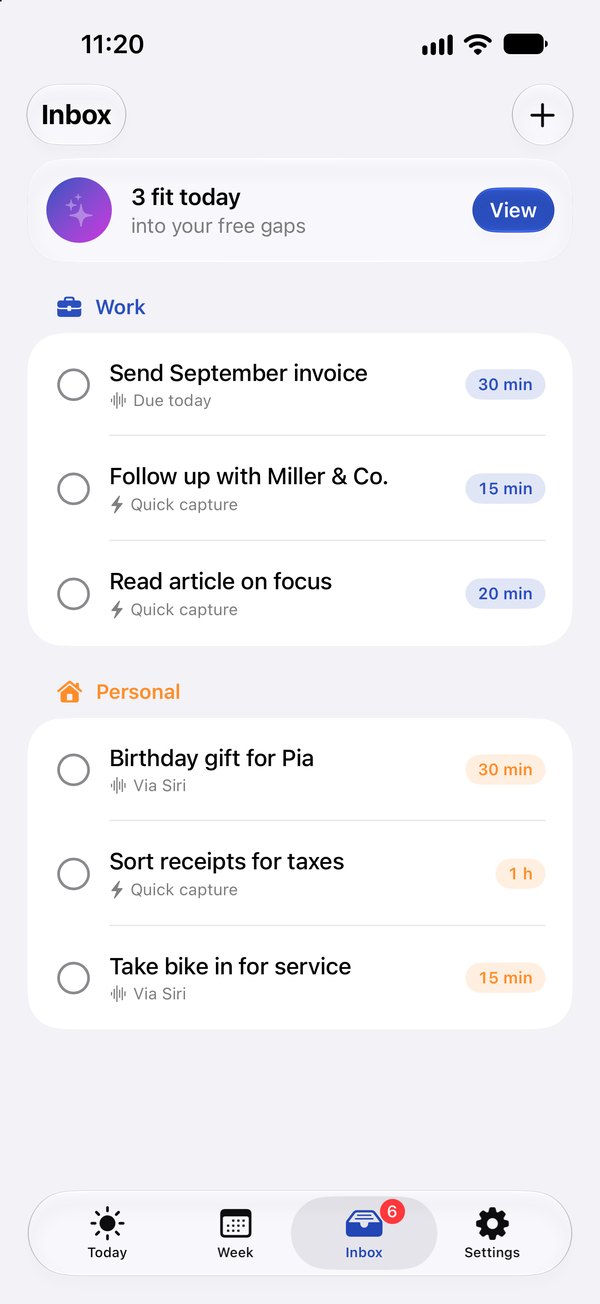
Everything without a fixed time waits here until a gap fits. Missn tells you how much of it still fits today.
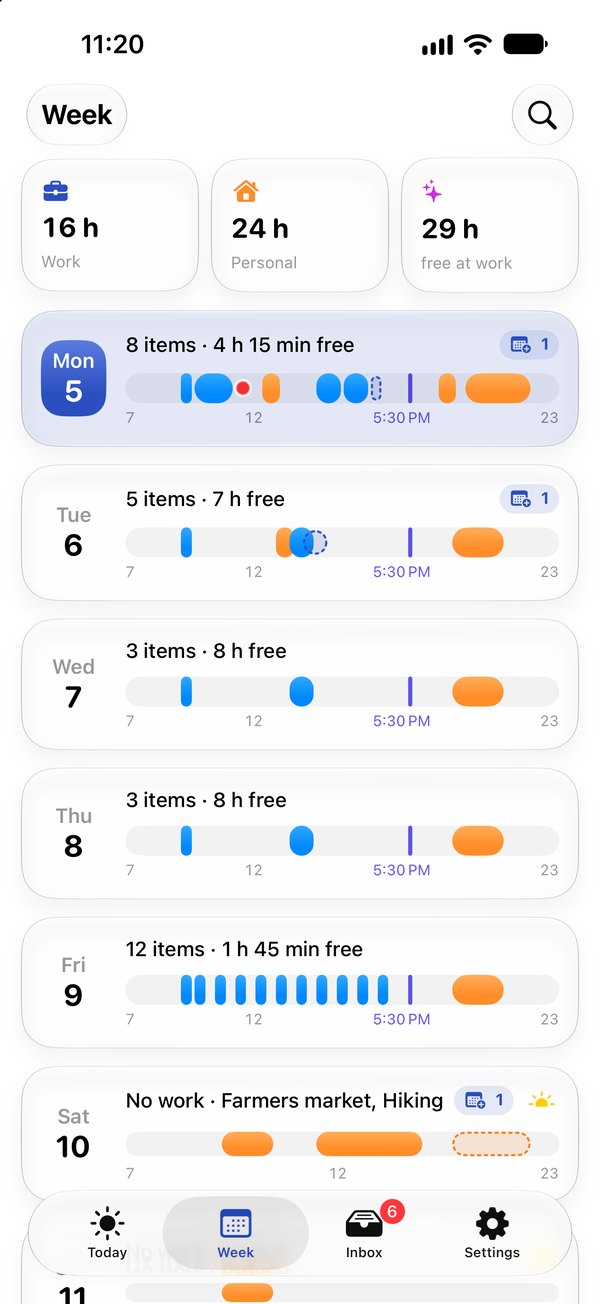
Work, personal life and free time for every day — and when each day's work ends.
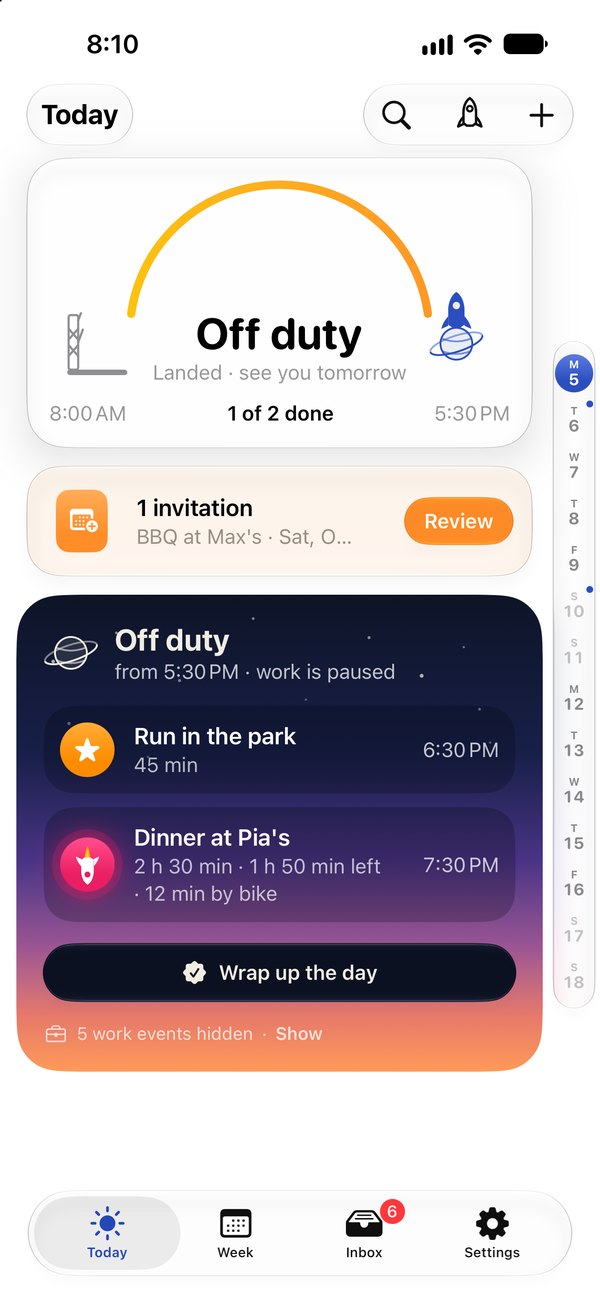
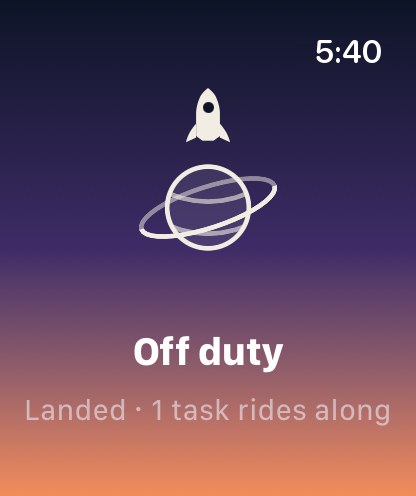
Once you're off duty, Missn hides everything work. Personal plans stay, work waits until tomorrow.
More room for your day: the cockpit sits beside the timeline, and the week becomes a grid. Through your private iCloud, everything matches your iPhone.
The arc to off duty, invitations and what still fits into today’s gaps – always in view.
Seven days side by side, the inbox next to them. Drag tasks straight onto a day and a time.
Tasks and settings sync through your private iCloud. We never see any of it.
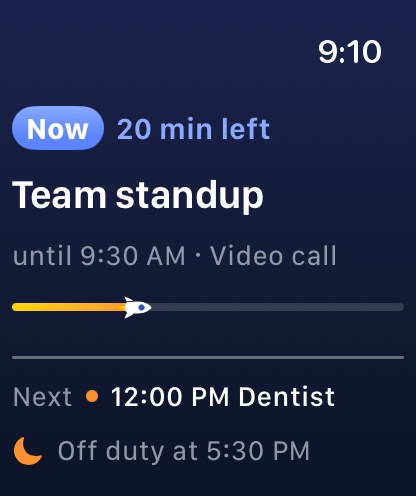
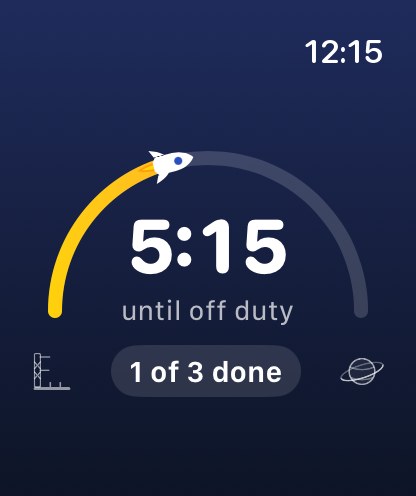
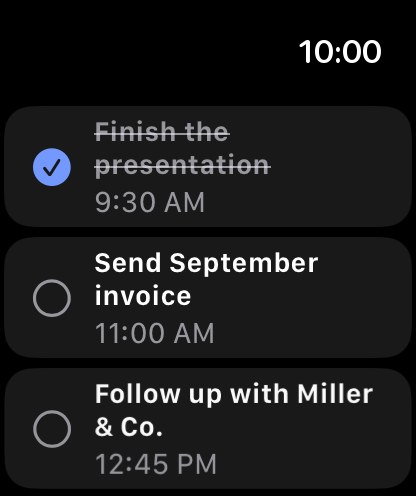
Not another planner, just the glance: what’s on now, how long until off duty, and a quick tick.
Before you accept, you see what the meeting pushes aside: overlaps, displaced tasks, a late end of work.
“Follow up with Müller tomorrow 10am 30 min” — Missn picks out the day, time and duration and suggests a gap that fits.
Lists from Apple Reminders stay linked to Missn: new items land in the inbox, and what you tick off is done on both sides. From Things, Notes or any other app, share tasks to Missn or paste a whole list.
No account, no server, no tracking. Missn reads your calendars right on the device and sends none of it to us. Tasks sync between iPhone and iPad through your private iCloud – we never see them.


